

← Herden for iPhoneHerden for
Experimental · Even G2
Herden for
Even G2.
The current preview shows a read-only list of Spaces and recent terminal output. It works in the desktop simulator. Installation and networking on physical glasses are not verified yet.
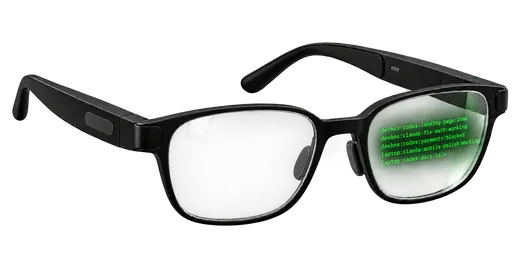
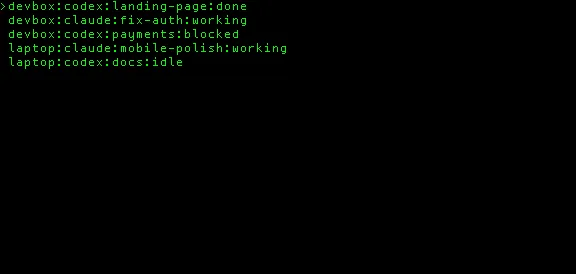
Current status
What works today.
- Desktop simulator
- Works with an offline demo: select a Space, open its output, scroll, and return to the list.
- Public Host
- Herden 0.9.8 is live and verified. It does not include the experimental glasses endpoint.
- Physical G2
- Package install, iPhone network permissions, background wake and battery use still need hardware tests.
Run it locally
Open the demo.
Requires Node.js 22 or newer. No Host, account or access token is used by demo mode.
- 01Download and start Vite
tar -xzf herden-hud-preview-0.1.0.tar.gz cd herden-hud-preview-0.1.0/glasses/app npm ci npm run dev - 02Open the glasses simulator
npm run sim:demoRun this in a second Terminal. Use up/down, click, and double-click in the simulator controls.
Testing the package format?
The 0.1.0 developer .ehpkis available, but it is not a supported glasses install. Its network allow-list is intentionally empty until the packaged iPhone permissions are verified on a paired G2.